Landing page templates for holidays and seasonal sales
Most shops make a big share of the year’s sales in a few busy weeks, and the people who hear first buy first. These pages collect emails a week or two ahead: early access to a Black Friday sale, 12 days of Christmas offers, a New Year challenge, Valentine’s Day pre-orders, a Mother’s Day reminder or Halloween tickets. Each one puts the date up top and says exactly what signing up gets you.
Free plan for up to 2,500 subscribers · No credit card required
- 49
- ready-to-publish landing pages
- 7
- categories, from free guides to local businesses
- $0
- on the free plan, every template included
- 1 link
- to share anywhere, live the moment you publish
All seasonal and holiday landing pages
Hover a template to scroll through it. Click for a full desktop and phone preview.
Can’t find the one you need? Start from a blank page, or browse the free email templates to send your new subscribers.
The playbook
How to build seasonal and holiday landing pages that convert
What to put on the page
- The date of the holiday and the date the list hears from you, both near the top
- What signing up gets: a head start, a better price, a reminder or a slot that sells out
- The offer itself, with numbers: 30% off, 12 offers, $78 for a dozen roses
- Last order or delivery dates, so nobody orders a gift that arrives late
- How many emails to expect and when they stop, so a seasonal signup stays on your list
Headlines to start from
- Black Friday starts Wednesday for the list
- Twelve days, twelve offers, one email each morning
- Pre-order Valentine’s roses before the rush
- We will remind you two weeks before Mother’s Day
Send it on the right day, automatically
Write the early access email or the 12 days of offers ahead of time and schedule each one to the page’s list, so they go out at 8am on the day while you run the shop.
Try it freeHow it works
From template to live page in minutes
- 1
Pick a template
Start from any page in the library, or from a blank page.
- 2
Make it yours
Rewrite the copy, swap the photos and recolour sections. Choose the list signups go to.
- 3
Publish and share
Publish to its own link, share it anywhere, and welcome every signup with an automation.
Why these templates
Pages that fill your list, not just look good
Hosted for you
No website or plugin needed. Every page gets its own link to share, with the tab title and search description you choose.
Signups go to your list
Each page is connected to a list. New subscribers appear as contacts, with any extra fields you asked for.
Drag and drop, no code
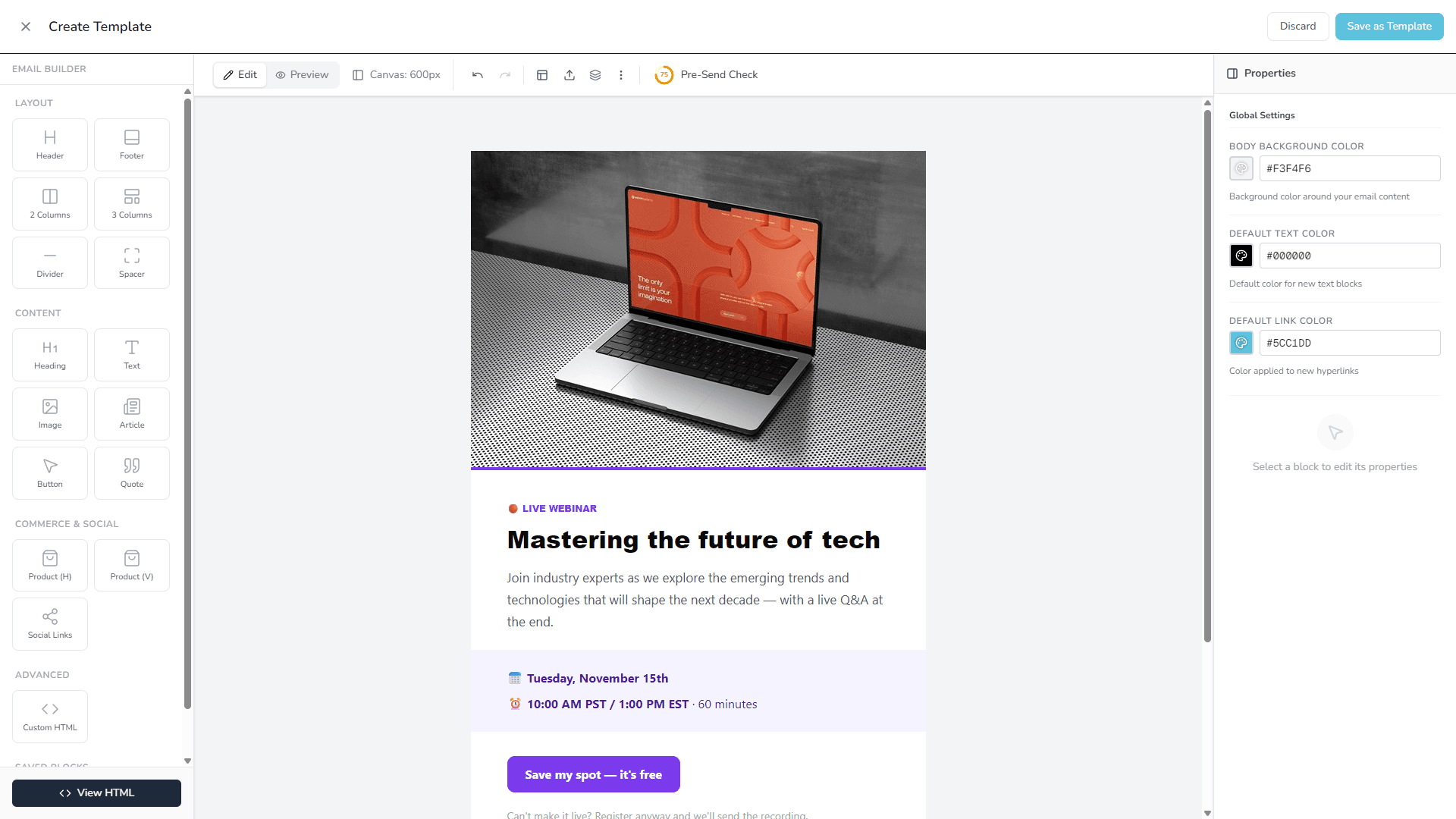
The same builder as your emails: click text to change it, drag sections to move them.
Ready for phones
Columns stack, headlines shrink and the form fills the screen. Check the phone view before you publish.
Spam trap and double opt-in
A hidden spam trap stops most bots, and double opt-in lists only add people who confirm by email.
Real photos included
Every template ships with free CC0 photography, so it looks finished before you change a thing.
Landing page templates by industry
- Landing page templates for ecommerce stores
- Landing page templates for SaaS and startups
- Landing page templates for coaches and course creators
- Landing page templates for writers and creators
- Landing page templates for restaurants and cafés
- Landing page templates for gyms and fitness studios
- Landing page templates for B2B companies
- Landing page templates for publishers and media
Frequently asked questions
How early should I put up a Black Friday or Christmas landing page?
Two to four weeks before the sale. That gives you time to share the link on social, in your shop and in your other emails, and the list is ready the morning the sale opens.
Will people who join for one holiday unsubscribe straight after?
Some will, and that is fine. Say on the page how many emails to expect, keep the seasonal emails short and useful, then send your regular newsletter. Most people stay if the next email is worth opening.
Are these landing page templates really free?
Yes. Every template is included on every PostBeagle plan, including the free plan for up to 2,500 subscribers. There is no credit card to enter and no template is locked behind an upgrade.
Do I need a website or any code?
No. Pages are hosted by PostBeagle and edited in the same drag-and-drop builder as your emails: click text to change it, swap photos and drag blocks around. Publish and you get a link to share straight away.
Where do the signups go?
Each page is connected to one of your lists. Every signup is added to that list as a contact, along with any extra fields you asked for, and if the list uses double opt-in the visitor is asked to confirm by email first.
Your next signup page is already designed.
Create a free account, pick a template and publish it today. Up to 2,500 subscribers without paying a thing.
- Free plan, no time limit
- No credit card
- Every template included